TPMS addon solution
How to Connect TPMS Receiver to Teltonika GPS tracker via RS232
TPMS receiver TP07 and TPMS LCD display are designed for offering TPMS data to other devices via RS232. Below is steps for how to connect TPMS devices to Teltonika GPS via RS232.
1. Things to start
• TPMS receiver TP07 device or TPMS receiver display TP07-C. Both should support RS232 connection
• any Teltonia GPS tracker device with RS232 feature
• configurator
• USB uart cable for TPMS receiver TP07 or normal micro USB cable for TPMS display TP09-C
2. work at TPMS devices side
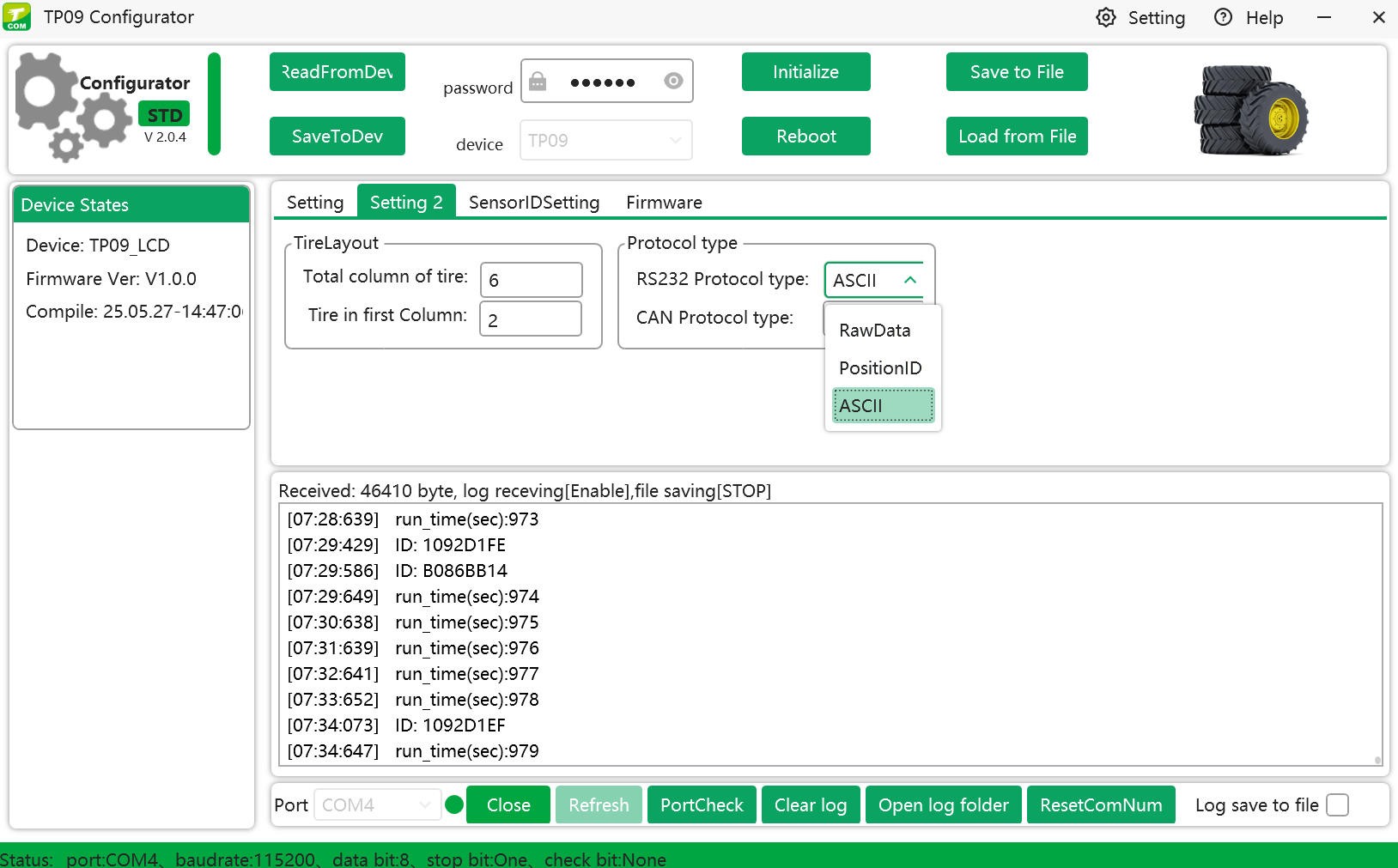
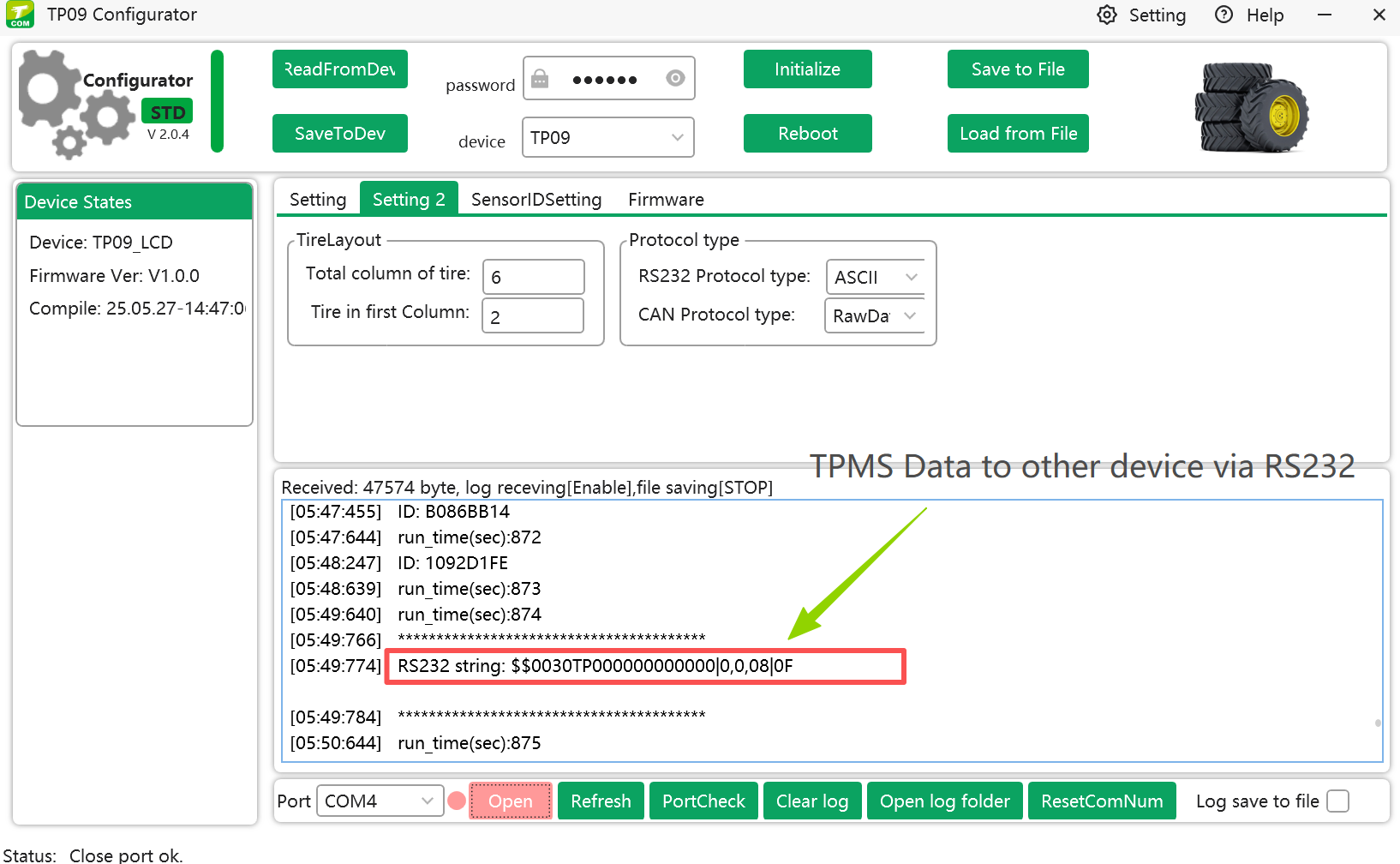
•open the configurator, navigate to setting page, and in Protocol Type area, set "ASCII" value in RS232 Protocol type.
you can see the TPMS data string on the log on configuration software. It outputs data every 2 minutes including all TPMS signals received in 2 minutes.
3. work at Teltonika devices side
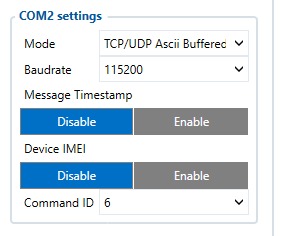
•set the COM settings for RS232 as below:
•connect TPMS display TP09-C or TPMS receiver module TP07 to teltonika GPS like FMC650 via RS232.
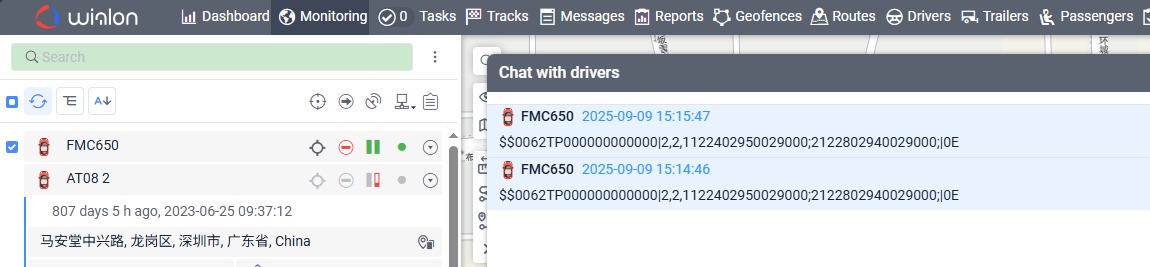
4. We tested TPMS with teltonika GPS FMC650 on wialon tracking software platform. the TPMS data on wialon shows like this: